
Understanding What Metadata a File May Contain
Metadata is the hidden layer of information attached to files—useful for workflows, but often risky for privacy when shared carelessly.
When most people think about a file, they focus on the visible content: the words inside a document, the pixels in an image, or the footage in a video. But many files also carry a second layer of information called metadata. Metadata is often described as “data about data.” It can record when a file was created, which device made it, who edited it, where it was captured, what software touched it, and much more.
That extra context can be helpful. Photographers use metadata to organize images. Office tools use it to track revisions. Audio and video apps rely on it for production workflows. But the same metadata can also reveal more than you intended when you send a file to someone else, publish content online, or upload documents to a third-party service.
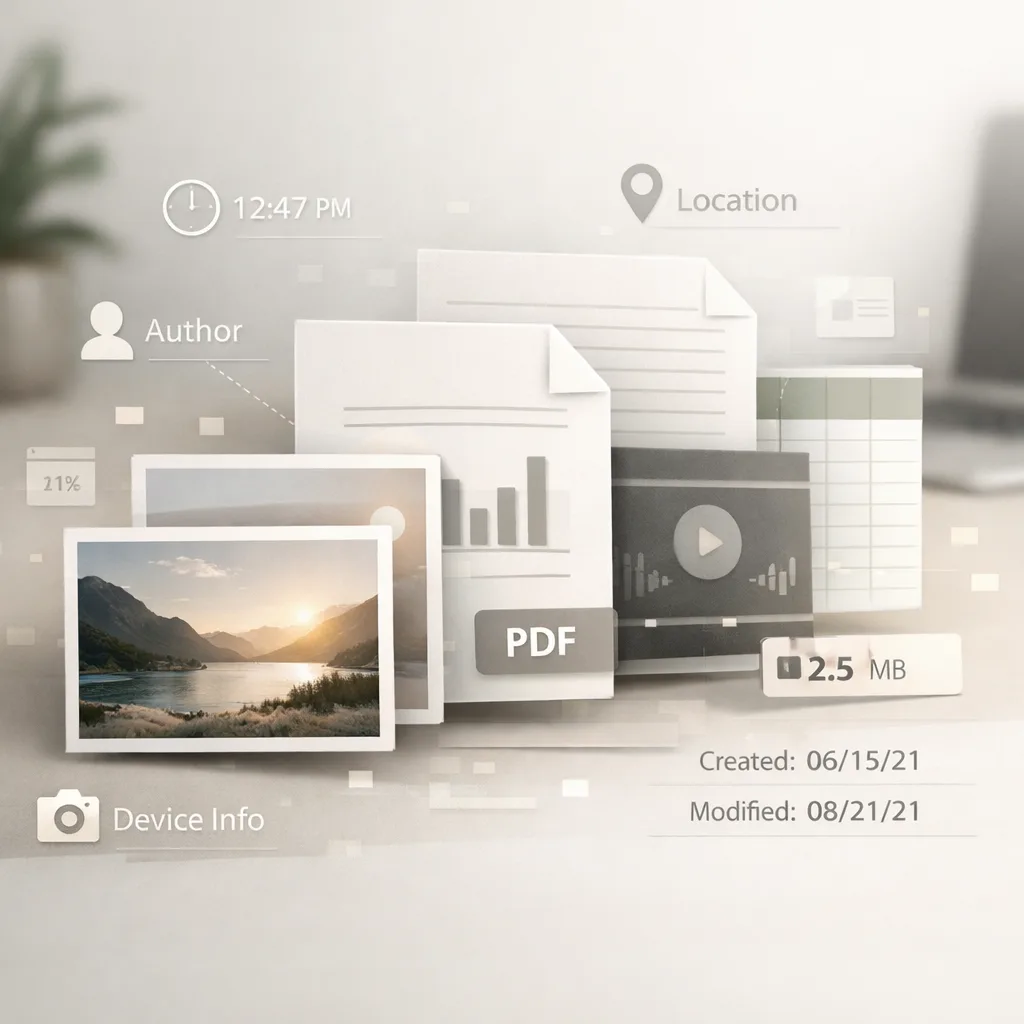
If you have ever shared a photo, PDF, Word document, spreadsheet, or media file, it is worth understanding what metadata may be inside it. In this guide, we will break down the most common types of file metadata, explain the privacy risks, and show how you can remove unwanted metadata before sharing files publicly or professionally.
What Metadata Actually Means in a File
Metadata is structured information stored alongside a file’s main content. Some metadata is created automatically by the operating system, some is added by the app that generated the file, and some comes from the hardware that captured it.
In practice, metadata usually falls into a few broad categories:
- Descriptive metadata: title, subject, tags, caption, keywords, author names
- Technical metadata: device model, camera settings, file dimensions, codec, duration, color profile, software version
- Administrative metadata: created date, modified date, owner, permissions, revision history, document template info
- Location metadata: GPS coordinates, place names, timezone hints
- Workflow metadata: comments, editor names, tracked changes, export settings, production notes
The exact fields depend on the file format. A JPEG image may store EXIF camera data. A DOCX document may store author and revision metadata. A PDF may contain title, creator, producer, and hidden edit information. A video file may include timestamps, camera model, encoding pipeline details, and sometimes location clues.
This is why “the file looks clean” does not necessarily mean “the file is privacy-safe.” Metadata can survive copying, exporting, and uploading unless you remove it deliberately.
Common Metadata Found in Photos and Image Files
Image metadata is one of the most widely discussed examples because it can be surprisingly detailed. JPEG, TIFF, HEIC, and some PNG workflows may contain metadata blocks such as EXIF, IPTC, or XMP.
Typical image metadata may include:
- camera or phone brand and model
- date and time the image was captured
- GPS coordinates or approximate location
- shutter speed, ISO, aperture, focal length
- image orientation
- editing software used
- copyright, creator, or licensing fields
- keywords and captions
A casual vacation snapshot, for example, may tell a viewer not only what you photographed, but also when and where you were standing. A journalist or activist sharing a photo could unintentionally expose a sensitive location. A business posting internal screenshots may reveal software versions, file paths, or creator names embedded during editing.
Even when location metadata is absent, timestamps and device identifiers can still be revealing. A pattern of uploads from the same device or consistent timing may expose habits, schedules, or internal operational details.

If you handle images professionally, metadata can be useful for searchability and asset management. But if your goal is safe public sharing, it is smart to inspect and remove anything that is not necessary.
Metadata in Documents: Word Files, PDFs, Spreadsheets, and Presentations
Office documents often contain some of the most overlooked metadata because the file looks simple on the surface. Yet document formats like DOCX, XLSX, PPTX, and PDF can preserve a rich editing history and identifying details.
Common document metadata may include:
- author name
- company or organization name
- document title and subject
- application name and version
- creation and modification timestamps
- total editing time
- comments and annotations
- tracked changes or review state
- template names
- hidden properties from previous versions
This matters in both personal and business contexts. Suppose you send a résumé, proposal, contract, pitch deck, or internal report. The visible text might be intentional, but the metadata could still reveal who drafted it, which company template it used, how many times it was revised, or what software environment it came from.
PDFs deserve special attention because many people assume they are “flattened” or metadata-free. In reality, a PDF may still contain creator information, producer software, document properties, embedded attachments, bookmarks, accessibility tags, annotations, and other hidden structure.
In some situations, metadata can create reputational, legal, or operational problems. A file shared with clients may expose internal usernames. A government or legal document might leak draft history. A whistleblower or anonymous source could accidentally reveal identity-linked details through document properties.
Audio and Video Files Can Also Reveal More Than Expected
Metadata is not limited to photos and documents. Audio and video files often carry their own technical and descriptive data.
For audio files, metadata may include:
- artist, album, genre, composer, and track names
- recording dates
- software or equipment details
- embedded cover art
- comments and licensing fields
For video files, metadata may include:
- recording device and model
- capture date and time
- frame rate, bitrate, codec, and resolution
- editing software and export settings
- orientation and color space
- chapter markers or production notes
- sometimes location-related data depending on source workflow
Creators often need some of this metadata for cataloging and publishing, but problems arise when files are shared outside the intended workflow. A demo video might reveal the exact mobile device used to record it. A screen recording could expose timestamps that align with internal incidents. A podcast draft may carry project naming conventions or production comments not meant for outsiders.
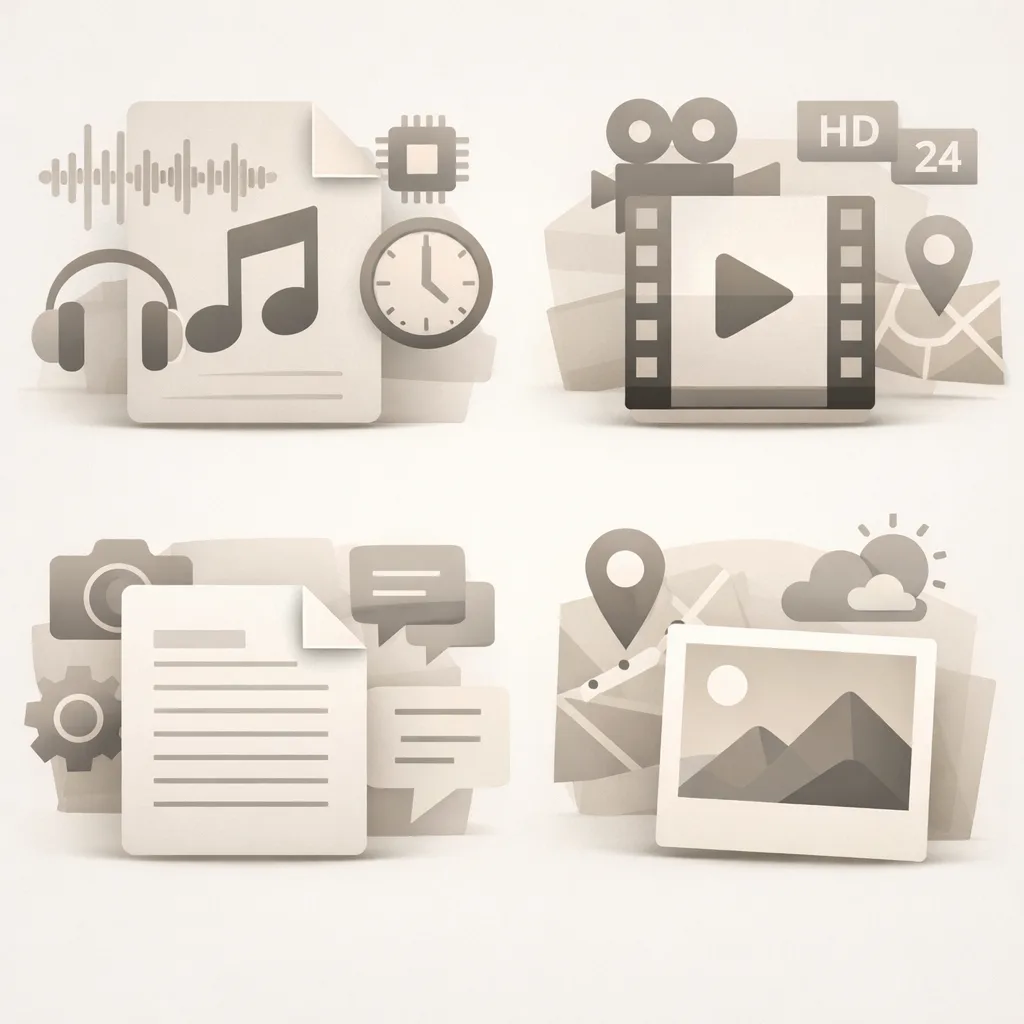
The bigger point is simple: nearly every major file category can contain metadata, and the fields vary widely by format, app, and export path.
Why Metadata Can Become a Privacy Risk
Metadata is not always dangerous, but it can create privacy and security issues when it reveals context you did not mean to publish.
Here are some of the most common risks:
1. Location exposure
A file may contain GPS coordinates, local timestamps, or place-related clues that disclose where you live, work, travel, or capture content.
2. Identity leakage
Author names, usernames, device names, and account-linked software profiles can connect a file back to a specific person or team.
3. Operational intelligence
File properties may reveal your tools, internal workflows, software stack, or production sequence. That can matter for companies, researchers, journalists, or security-sensitive teams.
4. Hidden history
Comments, revision traces, and leftover fields may expose earlier drafts, internal discussions, or information you thought had already been removed.
5. Cross-file correlation
Even if one piece of metadata seems harmless, repeating patterns across multiple shared files can allow others to infer routines, locations, devices, or ownership.
Privacy risk is also context-dependent. A family photo shared with friends is different from a file uploaded to a public website, sent to a stranger, attached to a job application, or posted in a legal or political context. The higher the sensitivity, the more important metadata hygiene becomes.
When You Should Remove Metadata Before Sharing
You should seriously consider stripping metadata when you are:
- uploading files to public websites
- sending documents to clients or external partners
- posting photos on forums or marketplaces
- sharing media with journalists or anonymous channels
- publishing downloadable resources from your company
- distributing creative work that should not expose production details
- sending personal files to people you do not fully trust
In other cases, you may want to keep some metadata for workflow purposes. For example, photographers might retain copyright fields internally, and music files might need title or artist metadata for playback systems. The key is to decide intentionally instead of assuming the file is clean.
A practical rule is this: if the recipient does not need the metadata, remove it.
How to Check and Remove Unwanted Metadata
There are several ways to inspect metadata, including operating system file info panels, professional editing tools, command-line utilities, and specialized metadata viewers. But inspection alone is not enough if your goal is safer sharing. You also need a reliable way to remove metadata without damaging the file itself.
That is where a dedicated tool becomes useful. Instead of manually checking every file type and every hidden field, you can use a focused service designed to strip metadata before distribution.
For a simple workflow, upload the file, remove the metadata you do not want to keep, and download the cleaned version for sharing. This is especially helpful if you regularly work with mixed file types and want a more consistent privacy routine.
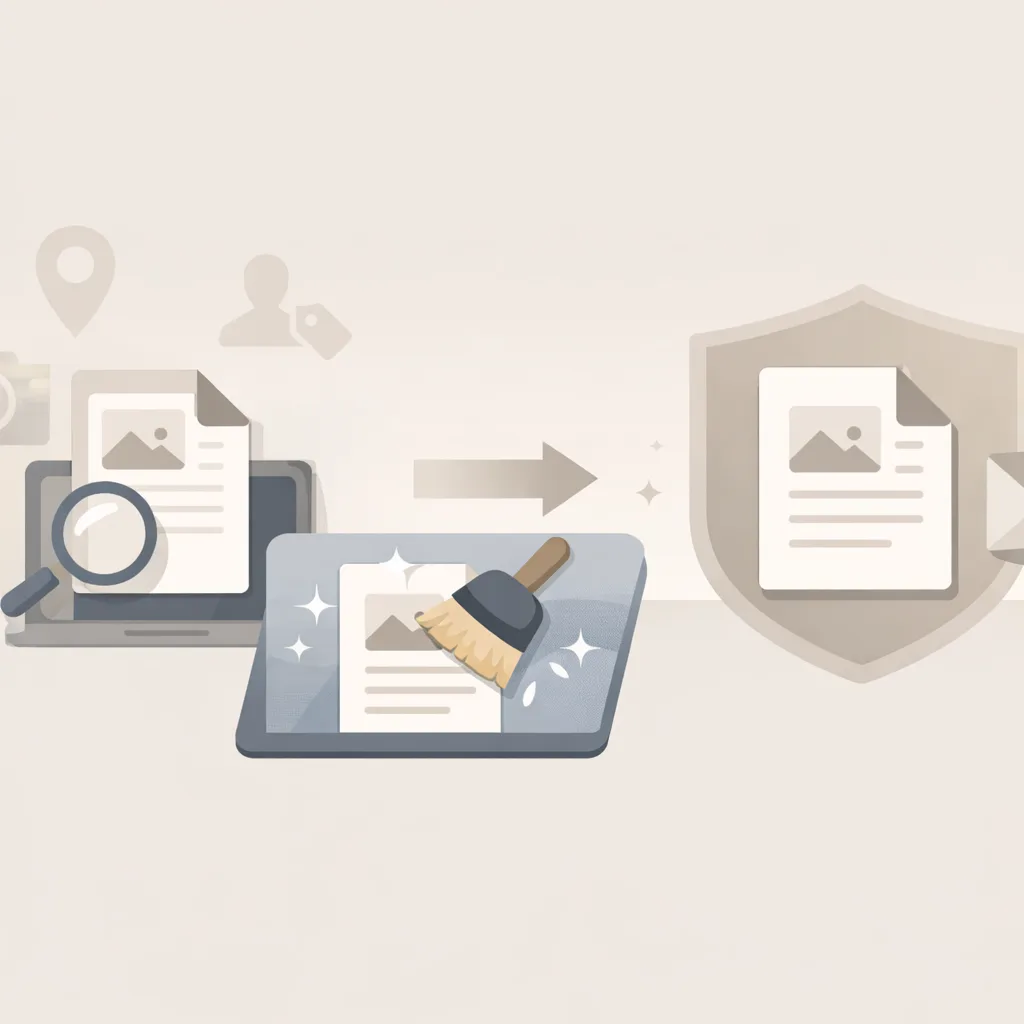
If you want to remove metadata quickly, visit removmetadata.org and use it to clean files before sending, publishing, or archiving them externally. It is a straightforward way to reduce accidental privacy leakage and keep control over what your files actually reveal.
FAQ
What is metadata in simple terms?
Metadata is extra information stored in or alongside a file that describes the file’s content, origin, technical properties, or editing history.
Do all files contain metadata?
Not all files contain the same amount or type of metadata, but many common formats—such as photos, PDFs, Word files, spreadsheets, audio, and video—can include at least some metadata.
Can metadata reveal my location?
Yes. Some files, especially photos captured on phones or cameras, may contain GPS coordinates or other location clues such as local timestamps and device context.
Is metadata always bad?
No. Metadata can be useful for organizing, searching, editing, and managing files. The issue is whether you want that hidden information to travel with the file when you share it.
Does converting a file remove metadata?
Sometimes, but not reliably. Some exports strip fields, while others preserve or even add new metadata. If privacy matters, you should verify or use a dedicated metadata-removal workflow.
Are PDFs safe from metadata leaks?
No. PDFs often contain document properties, creator information, software details, annotations, and other hidden data even when the visible page looks final.
Conclusion
Metadata is easy to ignore because it usually stays invisible, but that hidden layer can contain technical, personal, and operational information that matters. Photos may reveal where they were taken. Documents may expose authorship and revision details. Audio and video files may leak production context. None of this means metadata is inherently bad—it simply means you should treat it as part of the file, not as an afterthought.
Once you understand what metadata a file may contain, you can make better decisions about what to keep and what to remove. Before sharing anything sensitive, take a moment to clean the file. A small step now can prevent a privacy problem later, and tools like removmetadata.org make that process much easier.