
What Is the Metadata of an Image?
Image metadata is the hidden information attached to a photo or graphic that describes when it was created, how it was made, where it came from, and sometimes who owns it.
When most people open an image, they only notice the visible pixels. What they do not see is a second layer of information stored behind the scenes. That hidden layer is called image metadata. It can include technical camera settings, timestamps, file details, author information, editing history, and in many cases location data.
Image metadata matters because it shapes privacy, searchability, organization, and trust. A phone snapshot shared online may reveal when and where it was taken. A product image may carry copyright or licensing information. A newsroom photo may use metadata to prove authenticity and preserve context. Even a simple PNG exported from a design tool can include software and color-profile details that affect how the file is handled later.
Understanding what image metadata is helps you make smarter choices about storing, sharing, and cleaning your files. Whether you are a casual user sending vacation photos, a marketer publishing website graphics, or a photographer managing a large library, metadata affects how your images travel through the world.

Image Metadata Explained in Simple Terms
Metadata literally means "data about data." In the case of an image, it is the information that describes the file rather than the picture itself. Think of the image as a book and metadata as the catalog card, printing notes, ownership label, and edit history all combined into one digital record.
Some metadata is added automatically when the image is created. A smartphone camera may record the device model, shutter speed, date, and GPS coordinates. A graphic design app may save color profile information, export settings, or the software name and version. A content management system may later append captions, keywords, or licensing fields. Because different tools write different fields, two images that look identical on screen can contain very different metadata under the hood.
The important point is that metadata is not always visible in the file preview. It usually lives in structured fields that operating systems, photo apps, websites, and search tools can read. That makes it useful, but also easy to forget. Many people only discover image metadata after they realize a shared file contains personal details they did not intend to reveal.
In practical terms, image metadata answers questions like:
- What device created this image?
- When was it captured or exported?
- Where was it taken?
- What camera settings were used?
- Who created or owns it?
- Has it been edited or processed?
If a file can answer some of those questions without the viewer asking the sender directly, it is because metadata is carrying the context.
The Main Types of Image Metadata
Not all metadata is the same. Different standards store different kinds of information, and the exact fields depend on the file format and the software that touched it. The three categories people encounter most often are EXIF, IPTC, and XMP.
EXIF Metadata
EXIF stands for Exchangeable Image File Format. It is the most familiar type for photographers and phone users because cameras often write it automatically at the moment a picture is taken. EXIF fields can include camera brand, lens model, exposure settings, focal length, flash usage, date and time, image dimensions, orientation, and GPS location.
This is the metadata most people mean when they talk about a photo containing hidden personal information. If location services are enabled, a single image may contain precise coordinates that reveal a home address, workplace, school, or travel route.
IPTC Metadata
IPTC metadata is widely used in editorial, publishing, and asset-management workflows. It focuses more on descriptive and business information than device settings. Common IPTC fields include title, caption, creator, copyright notice, keywords, source, and usage instructions.
For teams that publish at scale, IPTC data helps keep image libraries searchable and compliant. It is especially valuable when multiple people need to understand what an image is, where it came from, and how it can be used.
XMP Metadata
XMP stands for Extensible Metadata Platform. Adobe popularized it, and many modern tools rely on it because it is flexible and can store both technical and descriptive information. XMP may include edit history, labels, ratings, rights information, and custom workflow fields.
In many real-world files, EXIF, IPTC, and XMP overlap. One image can contain several metadata blocks at once. That is why a file may still retain information even after one type of metadata is stripped while another remains.
File-System Metadata
There is also metadata outside the image file itself. Your operating system may track file name, creation date, modified date, size, owner, or folder path. This does not always travel with the image when you upload or send it, but it still matters for local workflows and audits.
Knowing these categories helps you understand why metadata removal tools sometimes show dozens of fields and why "remove metadata" can mean more than deleting one camera tag.
Why Image Metadata Matters for Privacy, SEO, and Workflow
Metadata is not automatically good or bad. Its value depends on context. In some cases, it is essential. In others, it creates unnecessary risk.
For privacy, metadata can expose more than most people expect. A family photo may contain the exact time and place it was taken. A journalist may need to protect a source by removing identifying details before publishing an image. A business may need to clean screenshots or photos before sending them to clients, partners, or public channels.
For SEO and digital publishing, metadata can support organization and consistency, but it is often misunderstood. Search engines do not rely on hidden image metadata alone to rank pages. Visible page context, surrounding copy, filenames, alt text, structured content, and overall site quality are more important. Still, clean descriptive metadata can help internal asset libraries, DAM systems, and editorial workflows keep images categorized correctly. That matters when teams manage hundreds or thousands of visuals.
For creative and operational workflows, metadata can save time. A photographer can filter a library by lens, shutter speed, or capture date. A design team can preserve copyright and licensing details across handoffs. An ecommerce team can keep track of product image ownership and usage rights. In these cases, metadata acts like a durable memory layer attached to the file.
The challenge is balance. Useful metadata for internal workflows may become risky when the same file is shared publicly. That is why many organizations keep an original master file with full metadata while exporting a cleaned public version for distribution.
What Information Can Be Hidden Inside an Image?
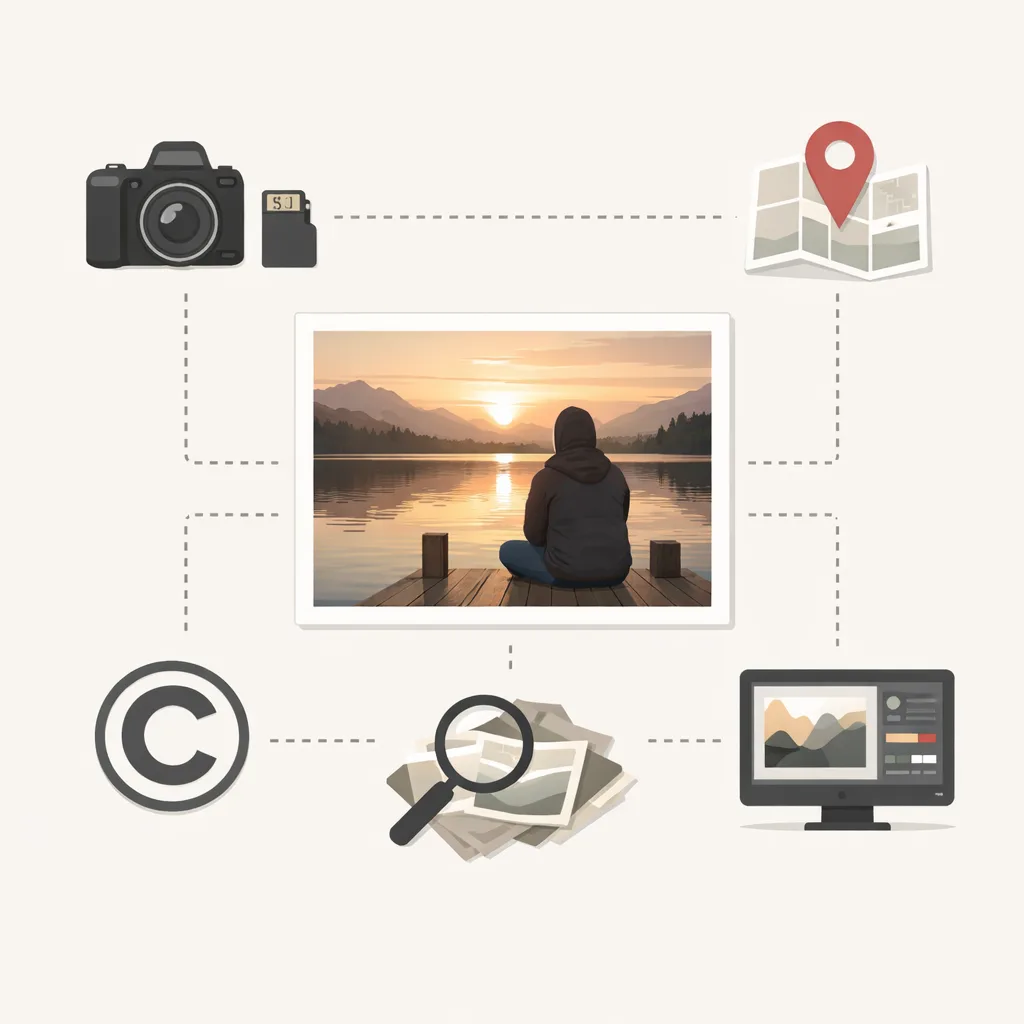
The exact metadata fields depend on the source file, but the most common hidden details include:
- Date and time the image was created
- Camera or phone brand and model
- Lens information and exposure settings
- GPS latitude and longitude
- Software used to edit or export the file
- Copyright, author, and licensing fields
- Keywords, captions, and usage notes
- Color profile and technical rendering data
- Orientation and thumbnail preview information
Some of these fields are harmless. Others can be surprisingly revealing. For example, GPS coordinates are high-risk for personal privacy, while software version fields may leak details about an internal production environment. Copyright information may be valuable to keep on internal master assets but unnecessary on files meant for broad public download.
There is also an authenticity angle. In forensic and investigative settings, metadata can help analysts understand the origin and handling of a file. It is not perfect proof, because metadata can be edited or removed, but it can provide useful signals when evaluated alongside other evidence.
At the same time, metadata is not always preserved. Social platforms, messaging apps, and image optimization pipelines often strip or rewrite parts of it. That means the same photo can carry one metadata profile in your camera roll, another after cloud backup, and another after posting online. If you care about what stays attached to a file, you should verify the final exported version rather than assuming the platform handled it the way you expected.
How to Check and Remove Image Metadata
If you want to inspect metadata, you can often do it with built-in tools. On many devices, opening file details or properties will show at least basic fields such as date, dimensions, camera model, or location. Photo management apps and desktop tools usually expose deeper EXIF, IPTC, and XMP data.
If you want to remove metadata, there are several common methods:
- Use a metadata remover tool that shows the fields and exports a cleaned copy.
- Take a screenshot of the image, which may remove much of the original metadata but often reduces quality and should not be treated as a precise workflow.
- Export the image from an editor with metadata excluded.
- Use command-line tools such as ExifTool for batch cleaning and verification.
The best option depends on your goal. If you only need to share one casual image, a simple remover may be enough. If you manage many files or need auditable results, a dedicated workflow is better.
When removing metadata, keep these best practices in mind:
- Preserve the original file if you may need it later.
- Check the cleaned output, not just the settings you selected.
- Pay extra attention to GPS fields and author information.
- Clean files before publishing to public websites or sending to third parties.
- Test across different formats because JPEG, PNG, and HEIC may behave differently.
For privacy-first users, the safest habit is to assume every image could contain more information than you expect. Verification is part of the workflow, not an optional extra.
When Should You Keep Metadata Instead of Removing It?
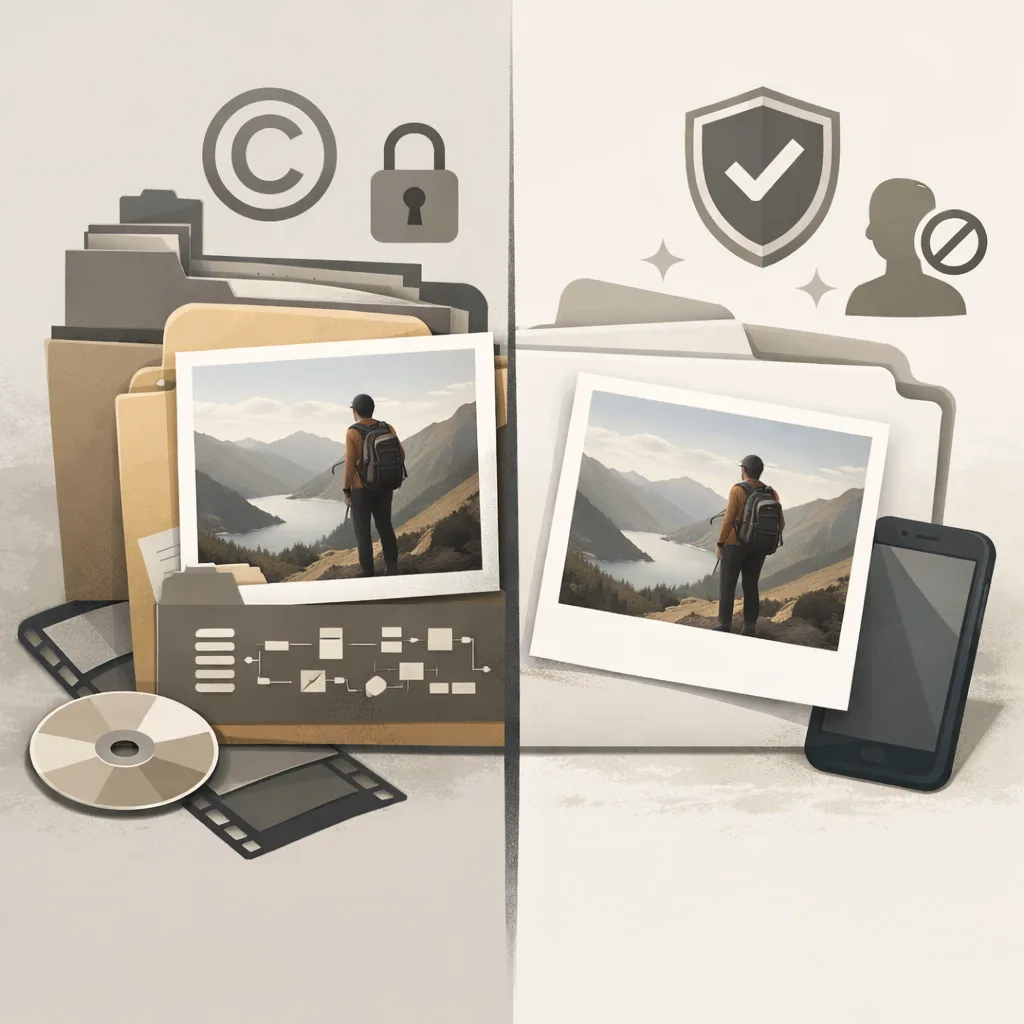
Although privacy tools often focus on stripping metadata, there are strong reasons to keep it in some workflows. Professional photography, editorial operations, archives, legal documentation, and digital asset management systems all benefit from well-maintained metadata.
For example, photographers may need lens and exposure settings to review how an image was created. Publishers may need creator and rights fields to avoid licensing mistakes. Large content teams may rely on descriptive tags and captions to make libraries searchable. Historical archives may treat metadata as part of the record, not as clutter.
This is why the smartest approach is usually selective handling rather than blanket deletion across every stage. Keep rich metadata in protected originals. Remove sensitive or unnecessary metadata from distribution copies. That gives you the benefits of context without leaking information where it does not belong.
In other words, metadata should be managed intentionally. It is useful when it supports ownership, traceability, and organization. It is risky when it exposes private, irrelevant, or sensitive details to the wrong audience.
FAQ
Is image metadata the same as EXIF?
No. EXIF is one type of image metadata, mostly focused on technical capture details like camera settings, timestamps, and GPS. Image metadata can also include IPTC, XMP, and file-level information.
Can people see image metadata easily?
Sometimes. Basic metadata may be visible in built-in file details, while deeper fields require photo tools, metadata viewers, or command-line utilities. The key issue is that recipients do not need your permission to inspect it if the data is still attached.
Does metadata affect image SEO directly?
Not in a major standalone way. Search engines care much more about visible page context, filenames, alt text, and overall site quality. Metadata is more useful for internal organization and publishing workflows than for direct ranking gains.
Do social media platforms remove metadata?
Many platforms strip or rewrite some metadata, but behavior varies by platform and file type. You should not assume a platform will protect your privacy for you. If the metadata matters, clean the file before uploading and verify the final result.
Can removed metadata be recovered?
Usually not from the cleaned exported copy, if the metadata was truly stripped rather than hidden. But the original file may still retain it, and backups or cloud versions may also preserve earlier metadata states.
Conclusion
The metadata of an image is the hidden information that explains the file's origin, technical settings, authorship, and sometimes location or editing history. It plays an important role in privacy, asset management, publishing, and verification. That makes it something worth understanding, not ignoring.
The practical takeaway is simple: keep metadata when it helps your workflow, remove it when it creates unnecessary exposure, and always verify the version you actually share. Once you understand what image metadata contains, you can treat it as a controllable part of your file workflow rather than an invisible risk.