How I Clean Metadata Before Sharing Files
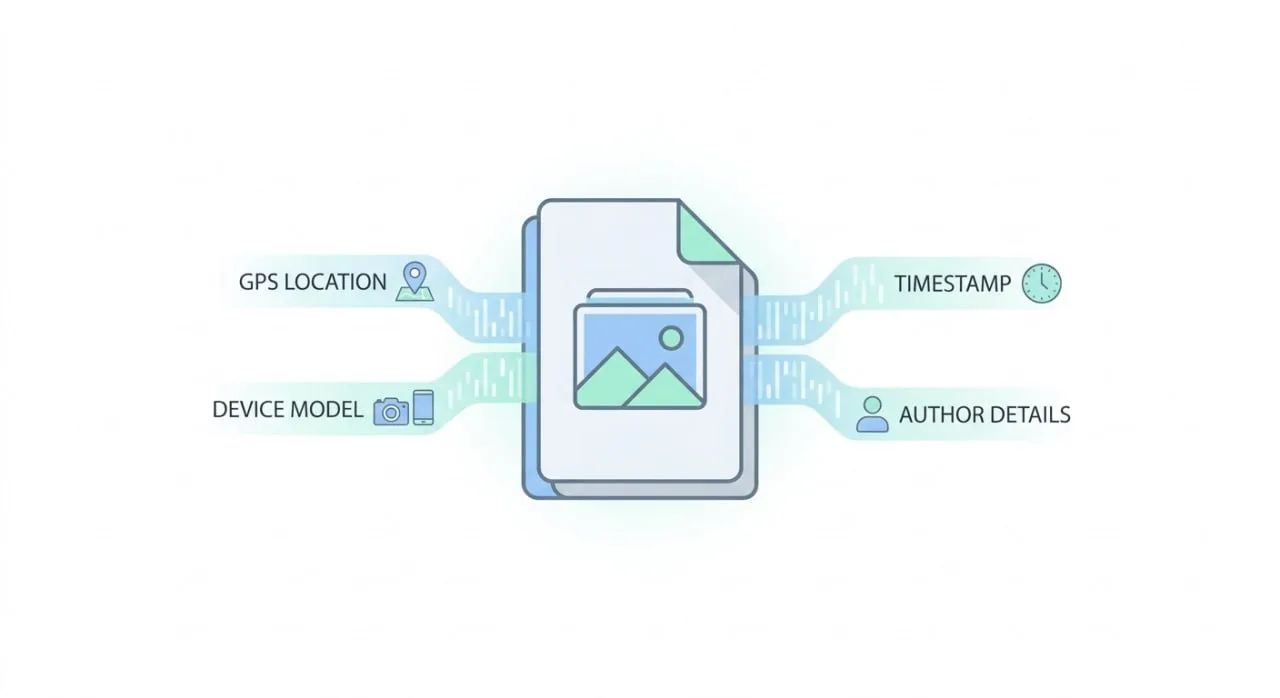
I used to send files the moment they looked right. Then I realized the visible content was only half the story. The file itself often still carried metadata like location, device info, timestamps, and author details.
That was the moment I changed my workflow. Before sharing anything important, I run it through Metadata Remove.
The problem this solves in real life
This is not an edge case. It happens in normal daily work. You send a screenshot to a client, a photo to social media, or a draft file to a partner. The content is fine, but hidden metadata can still reveal more than you intended.
For personal use, it can expose privacy. For team use, it can expose internal details that make external delivery look messy.
The workflow I actually use
My process is simple: upload, inspect, clean, download.
I use single-file mode for quick one-offs and batch mode when I need to process a full set of assets. The important part is that I can inspect metadata first instead of blindly cleaning everything.
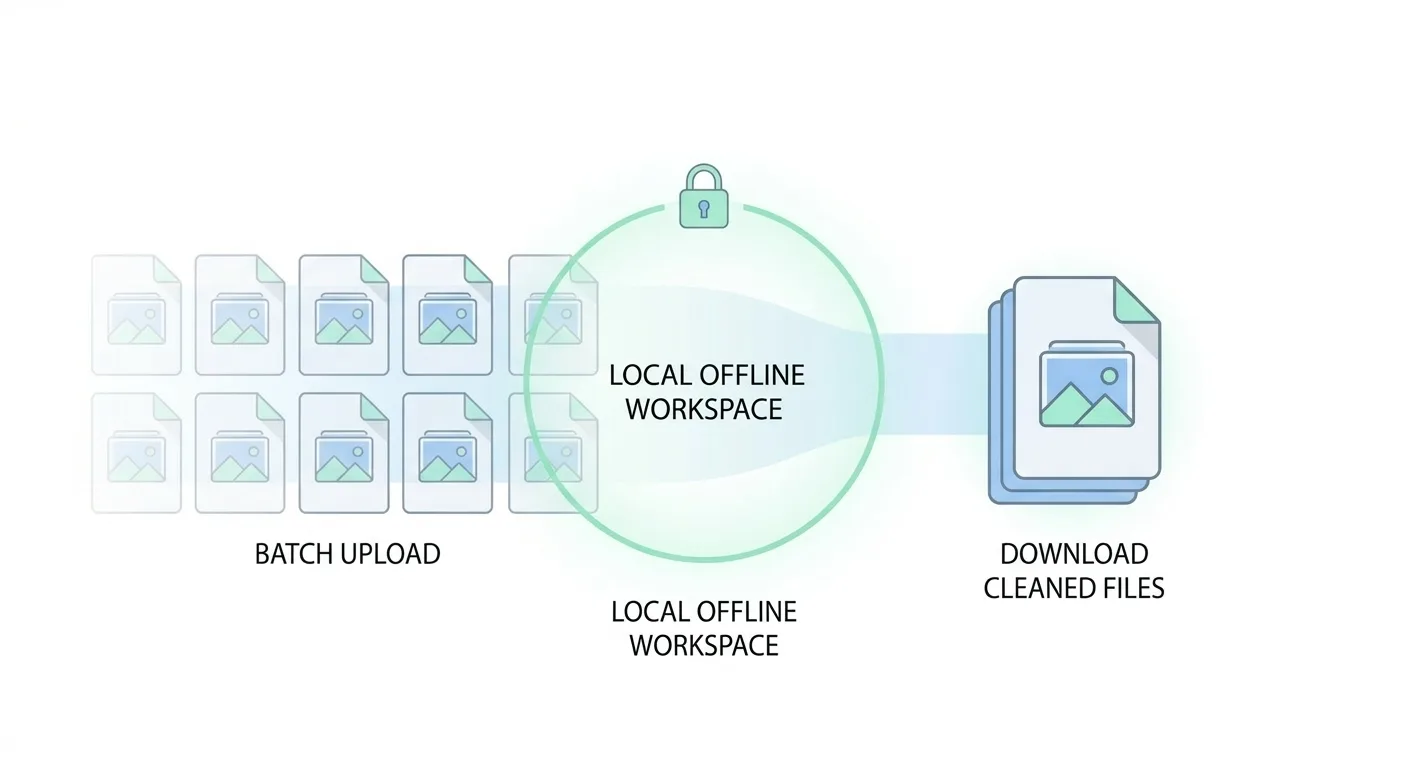
What I like most is control. I can clean all files at once when I need speed, or clean and download one file at a time when I need precision.
Why local processing matters
Trust is the whole point here. If the privacy tool itself requires sending files to a remote server, that already adds risk and uncertainty.
Metadata Remove keeps the cleaning flow local and offline, which makes it much easier to use for sensitive files. That includes legal docs, client materials, internal screenshots, and media assets with location traces.
Where this helps the most
In practice, I keep using it in the same four situations:
- before posting images publicly
- before sending files to clients
- before handing over large project assets
- before sharing anything sensitive across teams
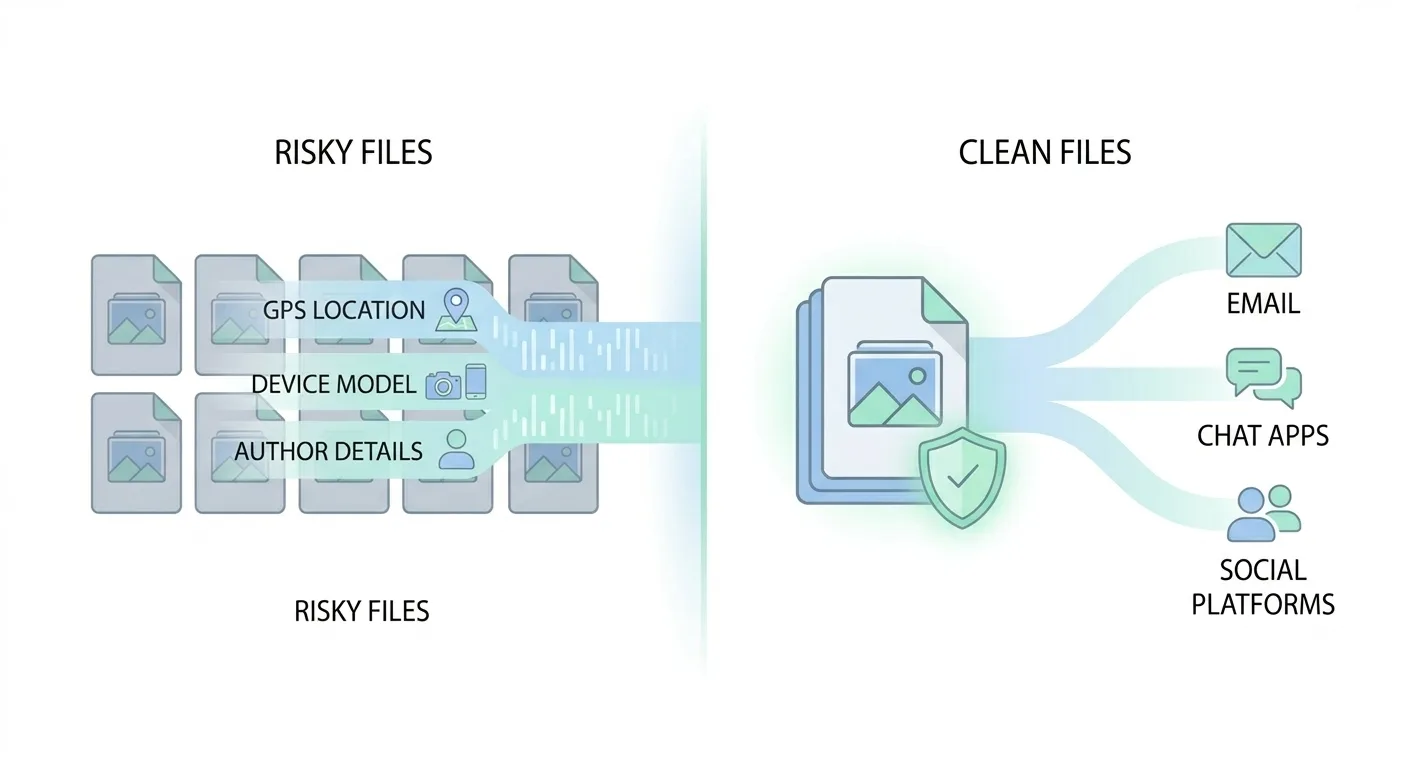
Once you build this habit, it becomes a small step that prevents avoidable mistakes.
Final take
Metadata Remove is not trying to be an all-in-one file platform. It is a focused utility that handles one specific risk very well: accidental metadata leakage.
If your work includes sharing files, this is an easy upgrade to your workflow. Clean first, then share.